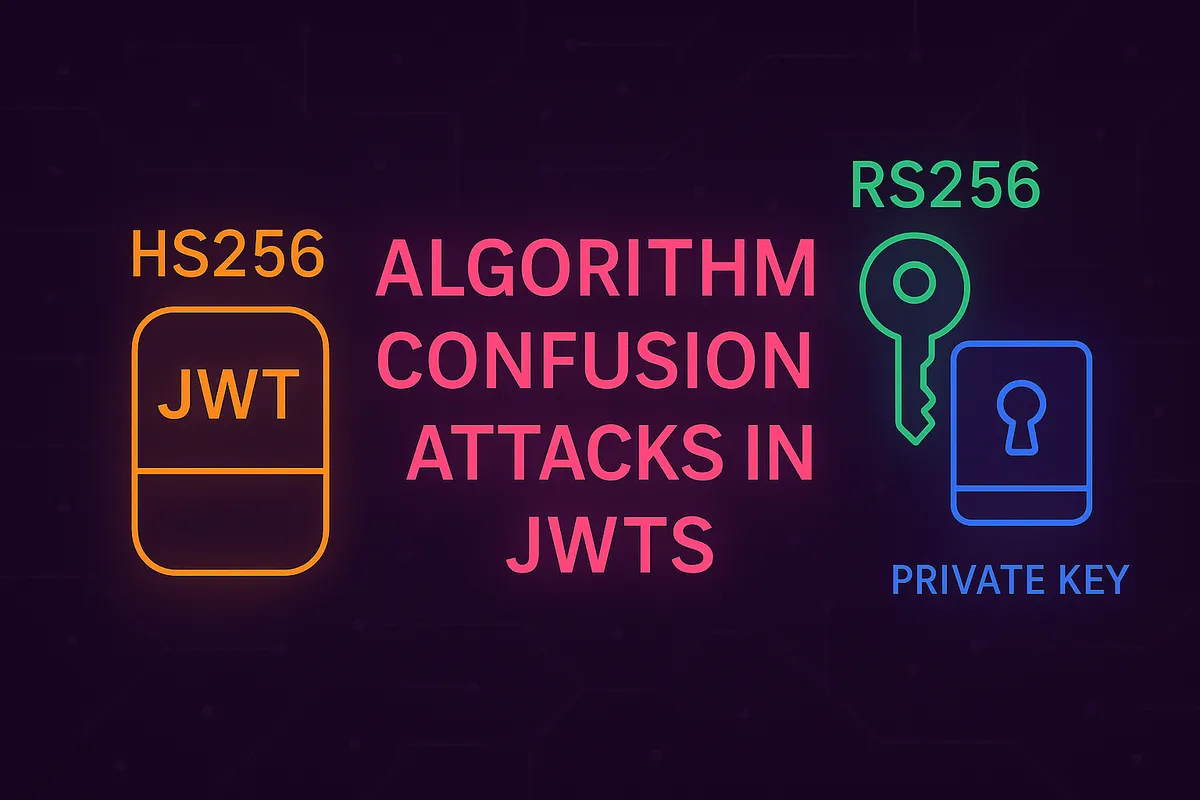
What are Algorithm Confusion Attacks?
Posted on September 2, 2025 by Jack Mason
Algorithm confusion attacks occur in JSON Web Tokens (JWTs) when a web server is configured to accept tokens signed with multiple algorithms, such as HS256 (symmetric) and RS256 (asymmetric). This misconfiguration can allow an attacker to take the server’s public key for RS256 and use it as a shared secret to sign their own JWT, tricking the server into verifying it as HS256.
This exploit lets an attacker forge valid-looking JWTs. The impact can be severe—from account takeover to privilege escalation, depending on how the application uses JWTs for authentication and authorisation.
Symmetric vs. Asymmetric Signatures
Symmetric
Symmetric signing algorithms use the same secret key for both creating and verifying a signature.
- Examples: HMAC-based algorithms like HS256, HS384, and HS512.
- How it works: It’s fast and efficient, using fewer server resources.
- The risk: If the secret key is weak or guessable, attackers may be able to brute-force it.
- Best practice: Use a cryptographically secure random secret key of at least 256–512 bits. This makes brute-force attacks highly impractical.
You can generate a secure 256-bit key with OpenSSL:
openssl rand -base64 32Asymmetric
Asymmetric signing algorithms use a key pair: a private key and a public key.
- The private key is kept secret on the server and is used to sign tokens.
- The public key is shared (often publicly) and is used only to verify tokens.
- The benefit: Because the private key is never exposed, it provides stronger protection. An attacker cannot guess or derive the private key from the public one.
Where the Vulnerability Arises
The algorithm confusion vulnerability appears when a server is coded to accept both symmetric and asymmetric algorithms for JWT verification.
Here’s the breakdown:
- Normal RS256 Verification: The server expects a token signed with its private key. It uses the corresponding public key to verify the signature.
verify(token, public_key) - The Attack: An attacker crafts a new token. They change the header to
"alg": "HS256"and sign it using the server’s public RSA key as the secret key.sign(malicious_payload, public_key) - The Flaw: The vulnerable server reads the
"alg": "HS256"header and switches its verification logic. It now uses the same function as the attacker, treating the public key as the secret for HS256. Since the key is the same, the signature is deemed valid.
Why does the server not verify with the private key? The private key is only ever used for signing, not for verification. In an asymmetric setup, verification is always done with the public key. The confusion arises because the server incorrectly reuses this public key as a symmetric secret for HS256 verification.
Exploitation with JWT_Editor
The Burp Suite extension JWT_Editor is a powerful tool for testing JWTs. You can easily modify JWT headers and payloads in Burp Repeater to attempt common exploits.
Known Public Key
Sometimes, web servers publish their public key through endpoints like /jwks.json or /.well-known/jwks.json. If this key is available, attempting an algorithm confusion attack is straightforward.
An example JWKS file might look like:
{"keys":[{"kty":"RSA","e":"AQAB","use":"sig","kid":"5a45255a-fdd8-4f58-b153-a2841f92ab75","alg":"RS256","n":"..."}]}Steps to exploit:
- Import the public key into JWT_Editor.
- Craft your malicious JWT payload.
- In the JWT header, change the algorithm to
"alg": "HS256". - Use JWT_Editor’s signing feature, selecting the imported public key but instructing the tool to sign using HS256. This uses the public key material as the HMAC secret.
- Send the request. The server may now accept the forged token.
Unknown Public Key
If the public key isn’t exposed, it can sometimes be extracted from existing JWTs using tools like sig2n:
docker run --rm -it portswigger/sig2n <JWT1> <JWT2>This tool can sometimes recover the public RSA key from two tokens signed with the same private key. Once obtained, you can repeat the same signing process.
Remediation
To prevent algorithm confusion attacks, follow these strict best practices:
1. Enforce a Single Algorithm
Never trust the alg field from the incoming JWT header. Your verification code must explicitly specify which algorithm is acceptable.
For example, in Node.js with the jsonwebtoken library:
// GOOD: The server specifies EXACTLY which algorithm is allowed.
let decoded = jwt.verify(token, publicKey, { algorithms: ['RS256'] });
2. Do Not Support Both HS and RS Algorithms
If your application uses asymmetric keys (like RS256), completely disable symmetric algorithm verification (HS256, HS512, etc.) in your JWT library configuration. This hardens your server against misusing the public key.
3. Validate Keys Securely
If using a JWKS endpoint, ensure your code strictly matches the key ID (kid) from the JWT header to an expected key from your trusted JWKS source. Do not allow the kid to reference arbitrary files or database entries.
4. Rotate Keys
Regularly rotate your signing keys to limit the impact of an accidental key exposure.
5. Use Mature, Well-Maintained JWT Libraries
Avoid writing your own JWT validation logic. Modern, well-tested libraries have built-in protections against this attack, provided you configure them correctly by specifying the allowed algorithm(s).